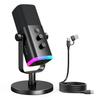
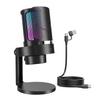
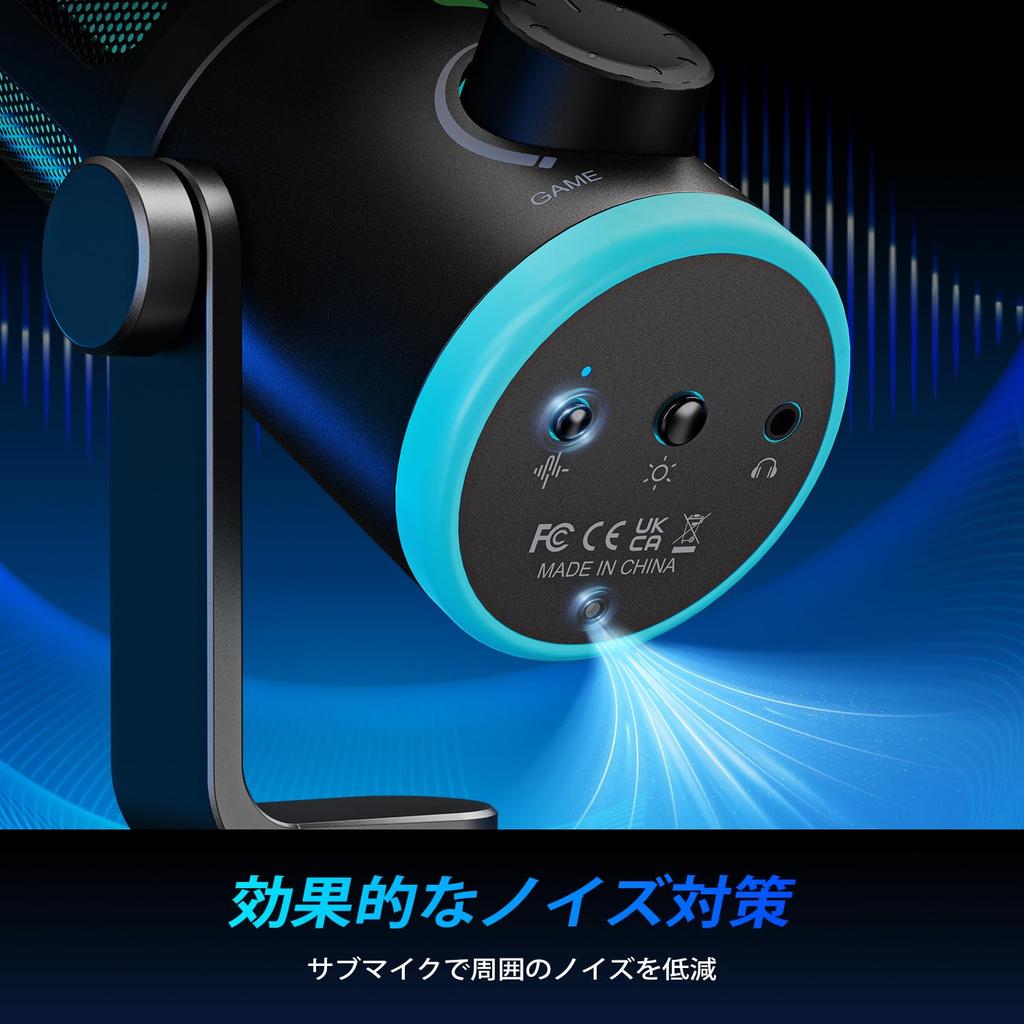
【Noise Cancelling Function】As a gaming USB microphone, it features advanced noise reduction technology, allowing you to capture clearer audio with the press of a button, whether you're strategizing with teammates or streaming. The cardioid pickup pattern focuses on picking up sound from the front, minimizing ambient noise and delivering pure, clear sound quality, ensuring smooth communication during gameplay.
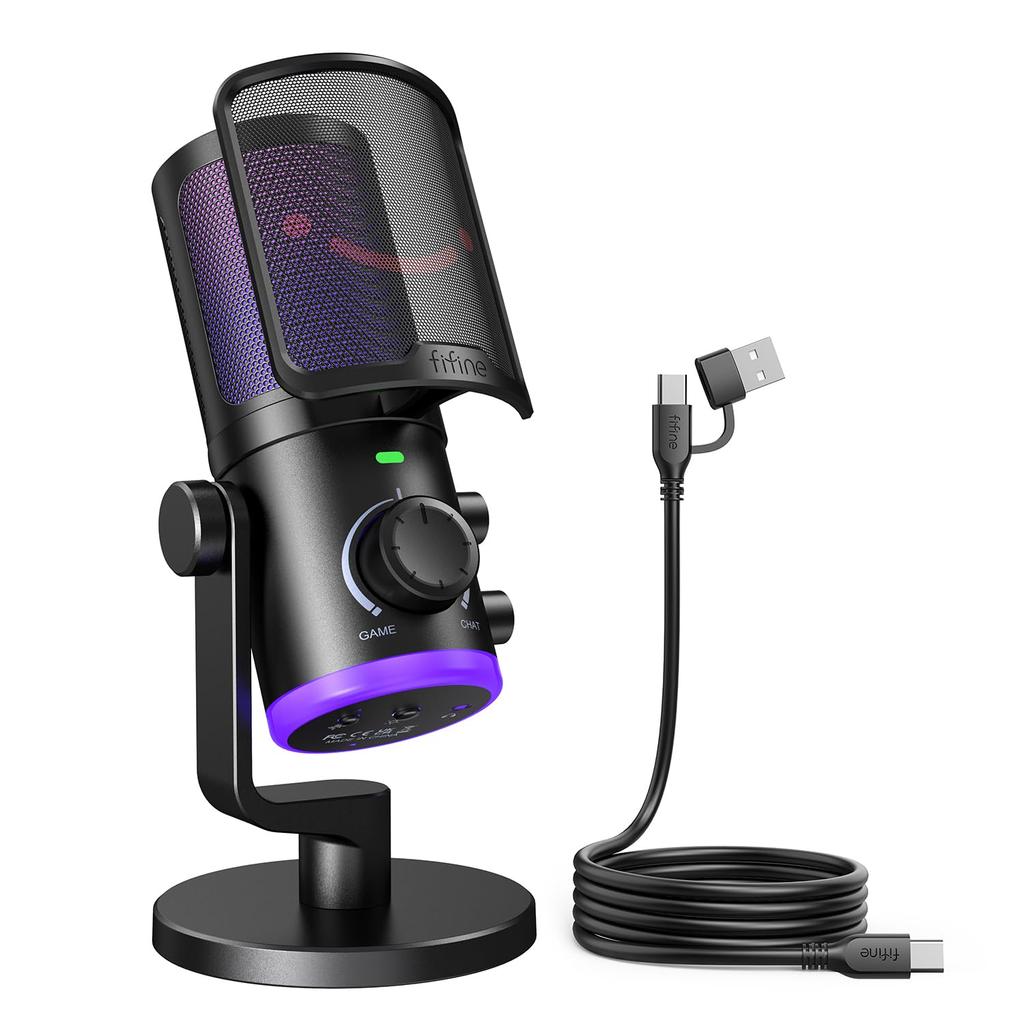
[Game and Chat Volume Balance Adjustment Function] Easily set the game and chat output devices separately on your PC, then connect 3.5mm headphones to the headphone jack located below the microphone. You can intuitively adjust the balance between game audio and voice chat without needing an audio mixer. Turning the large knob towards the game volume increases the game volume and decreases the chat volume. Turning it towards the chat volume increases the chat volume and decreases the game volume.
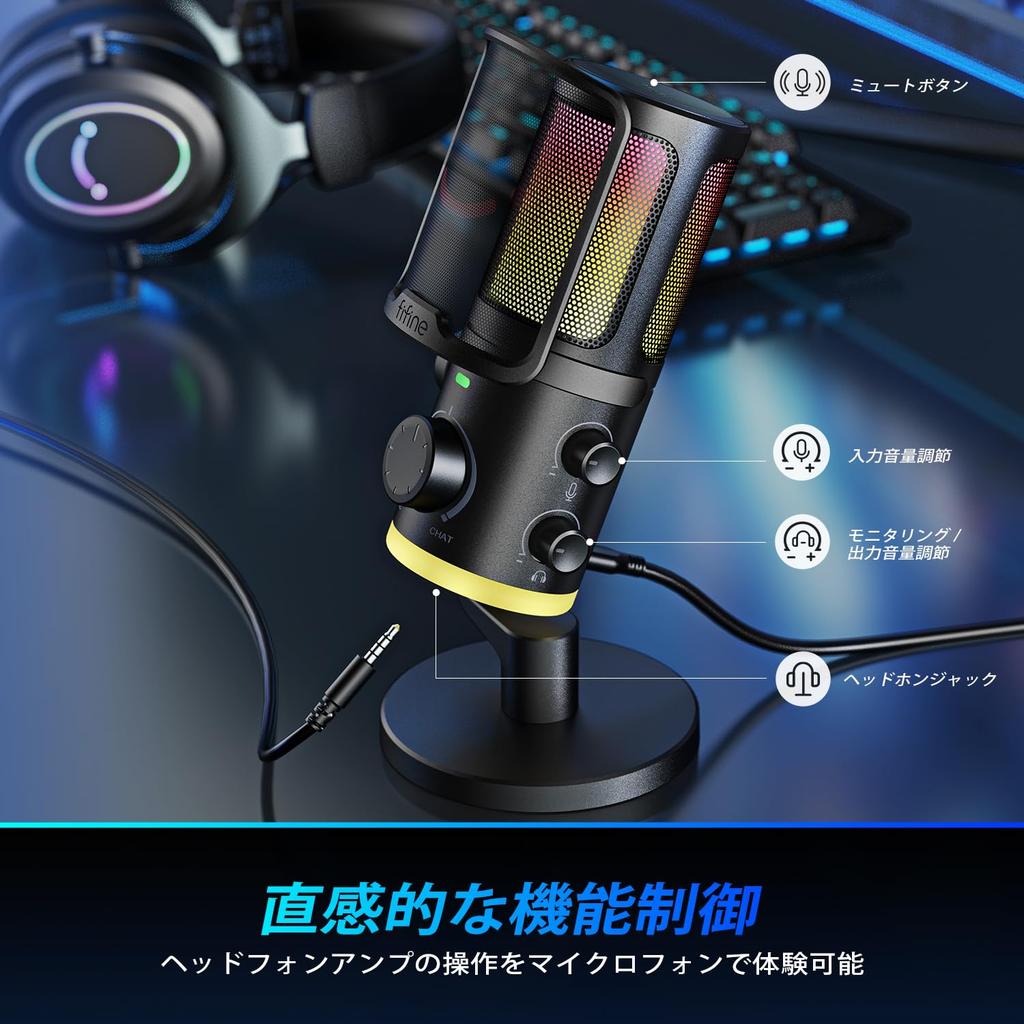
【Convenient Features】The microphone can be instantly muted by pressing the mute button on the top. By plugging headphones into the headphone monitoring jack on the bottom of the microphone, you can hear your own voice and instantly adjust settings to ensure smooth and stable communication. The microphone gain adjustment knob and headphone volume adjustment knob on the side of the microphone can also be comfortably adjusted with your fingertips.
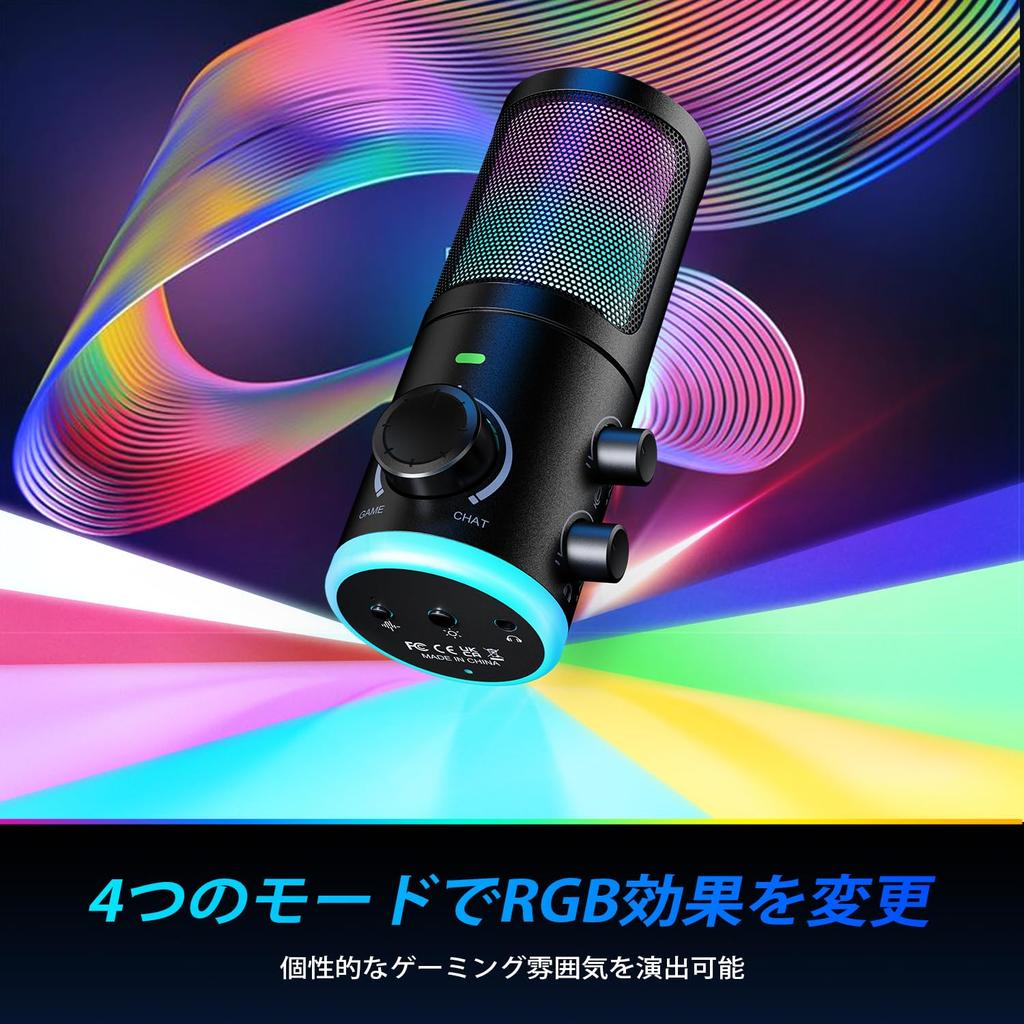
【Controllable RGB Lighting】With 12 color variations and 4 modes of RGB illumination controllable, it enhances immersion in games and upgrades the gaming atmosphere. Enjoy your own unique gaming experience tailored to the scene and your mood.
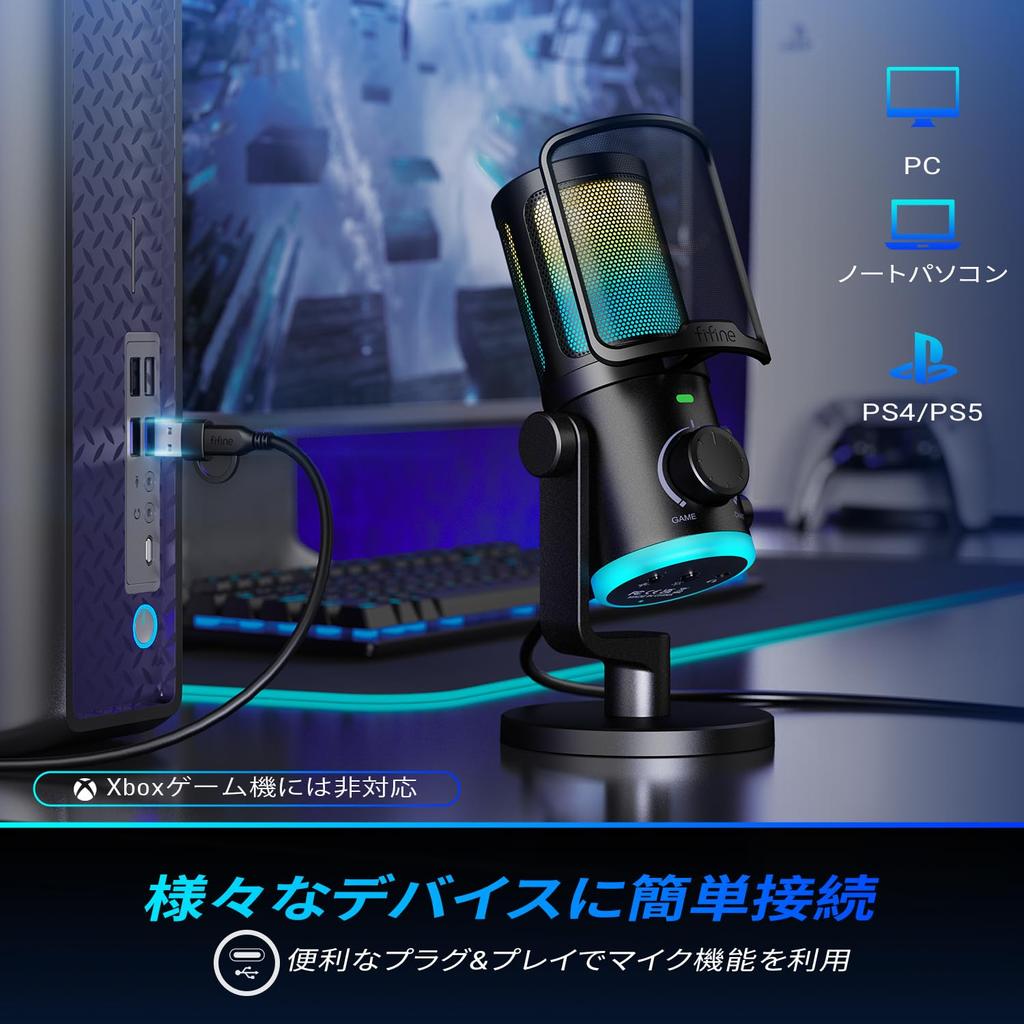
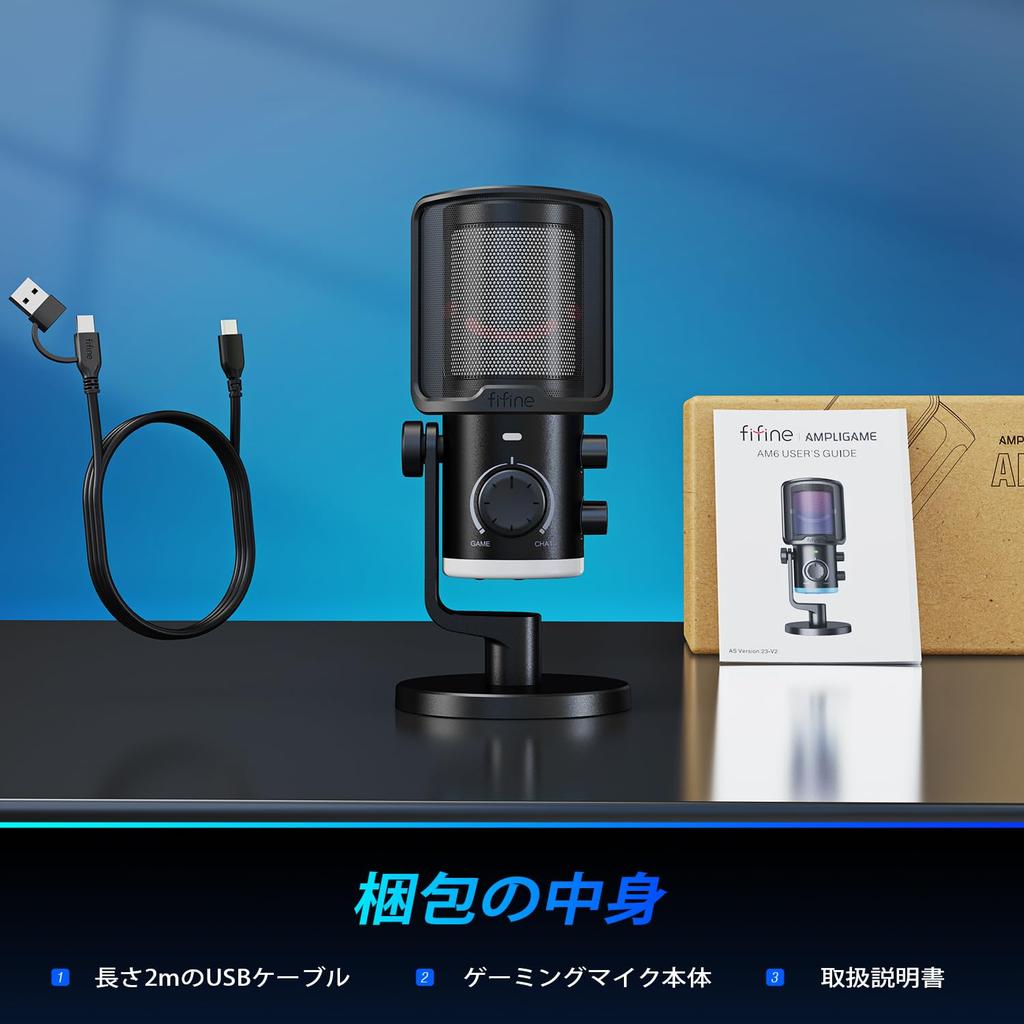
【Wide Compatibility】With its plug-and-play design, it offers PC compatibility and requires no complicated setup; simply plug in the USB cable and it's ready to use. Built-in 3/8″ and 5/8″ screw holes are integrated into the included microphone stand, allowing it to be attached to a standard microphone arm without the need for adapter screws. It's perfect for a variety of situations, including YouTube, TikTok, game commentary, recording, streaming, voice chat, karaoke, live broadcasts, Zoom meetings, Niconico Video, Twitter, TwitCasting, and more.
[Important | Notes] 1) The "Game/Chat Balance" function is only available on desktop PCs, laptops, and Macs. It is not available on smartphones, PS4, or PS5. 2) When connected to a PC, real-time monitoring is disabled by default. Please enable it by following these steps: Go to "Sound Settings" → "Playback" tab → Double-click "FIFINE Chat" → "Levels" → Click the speaker icon for the microphone level to enable it.
[Game/Chat Audio Balance] The Game:Voice Balance feature on your PC gaming microphone lets you easily adjust the audio ratio between game and voice chat. Balance the amount of game sounds you want to hear with the amount of voice chat you want to hear, seamlessly switching between immersion and strategy. Dial up game audio to catch footsteps and rustling sounds, pinpoint enemy locations and gain a competitive edge. When standing away from your team, increasing the chat rate will allow you to clearly hear where your teammates are pointing, enabling you to react faster.




 Reembolso por falta de entrega