Description
Report Item
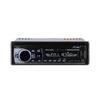
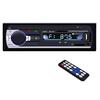
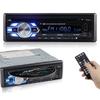
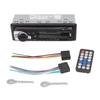
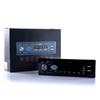
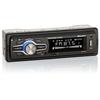
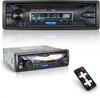
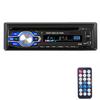
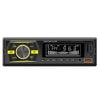
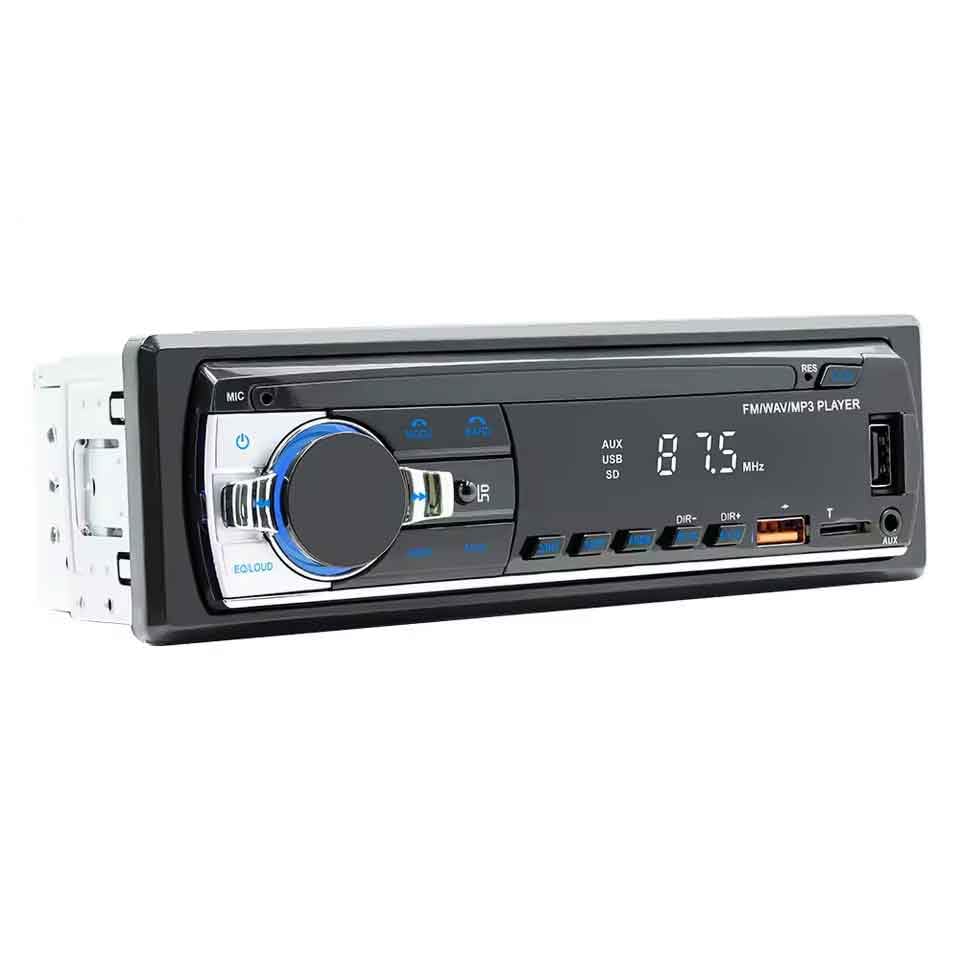
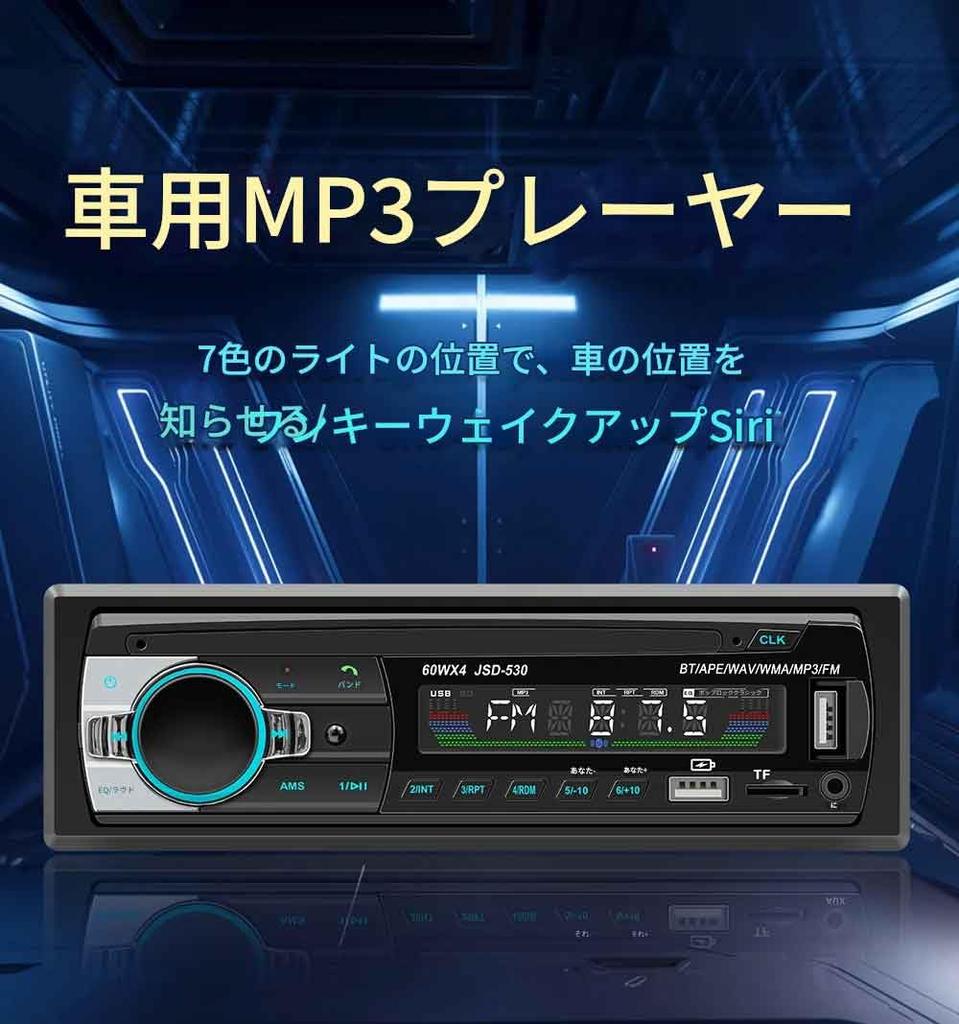
* Digital Bluetooth MP3 Player: Enjoy your favorite songs with this digital Bluetooth MP3 player that lets you play music from your smartphone or other devices.
* In-Dash AUX Input: The in-dash AUX input allows you to connect your smartphone or other devices to your car's audio system for a seamless listening experience.
* 60W x 4-Channel FM Stereo: The 60W x 4-channel FM stereo provides a high-quality, immersive listening experience.
* USB/SD Input: The USB/SD input allows you to play music from various sources, such as USB drives and SD cards.
Description
Product Report
DIN: DIN
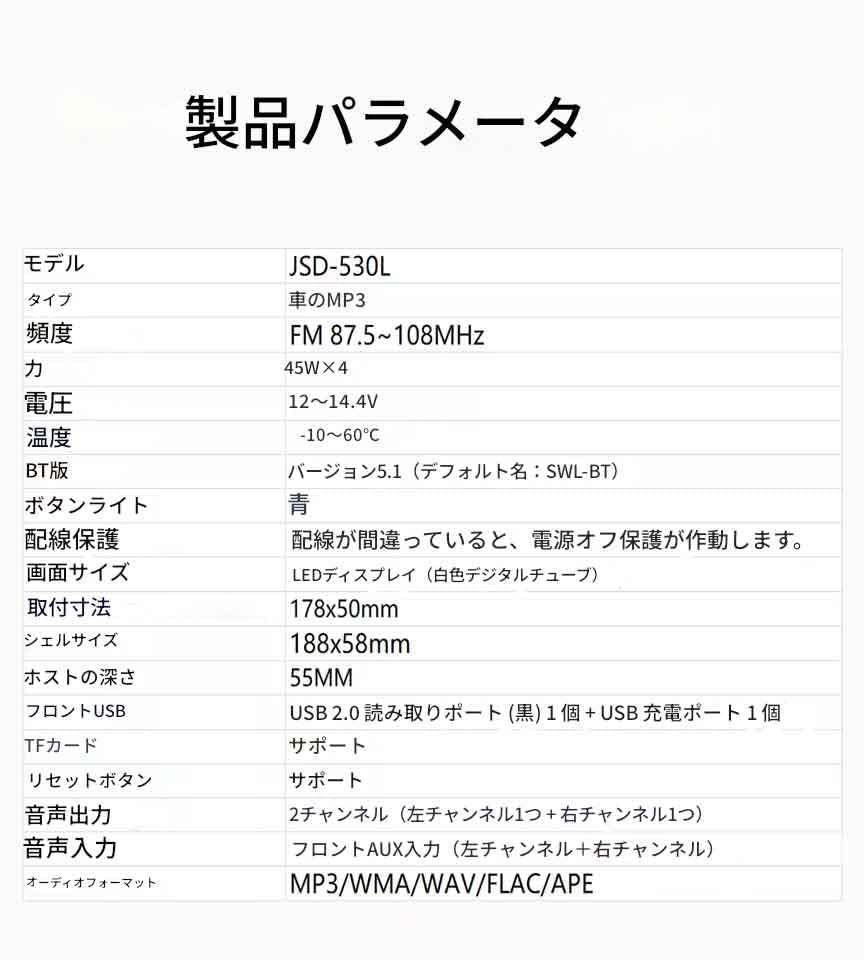
Voltage: 12V
Product Weight: 0.33kg
Country of Origin: China
Model Number: JSD-530
Software Solution: 1900
Radio Frequency: FM 87.5-108MHz
Radio IC: Chip Integration
Power Amplifier IC: TDA1028
Output: 45W x 4
Operating Temperature Range: -10 to 60℃
Bluetooth Version: Version 5.0
Screen Size:
Mobile Internet: App Connection
Accessories:
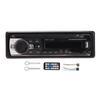
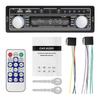
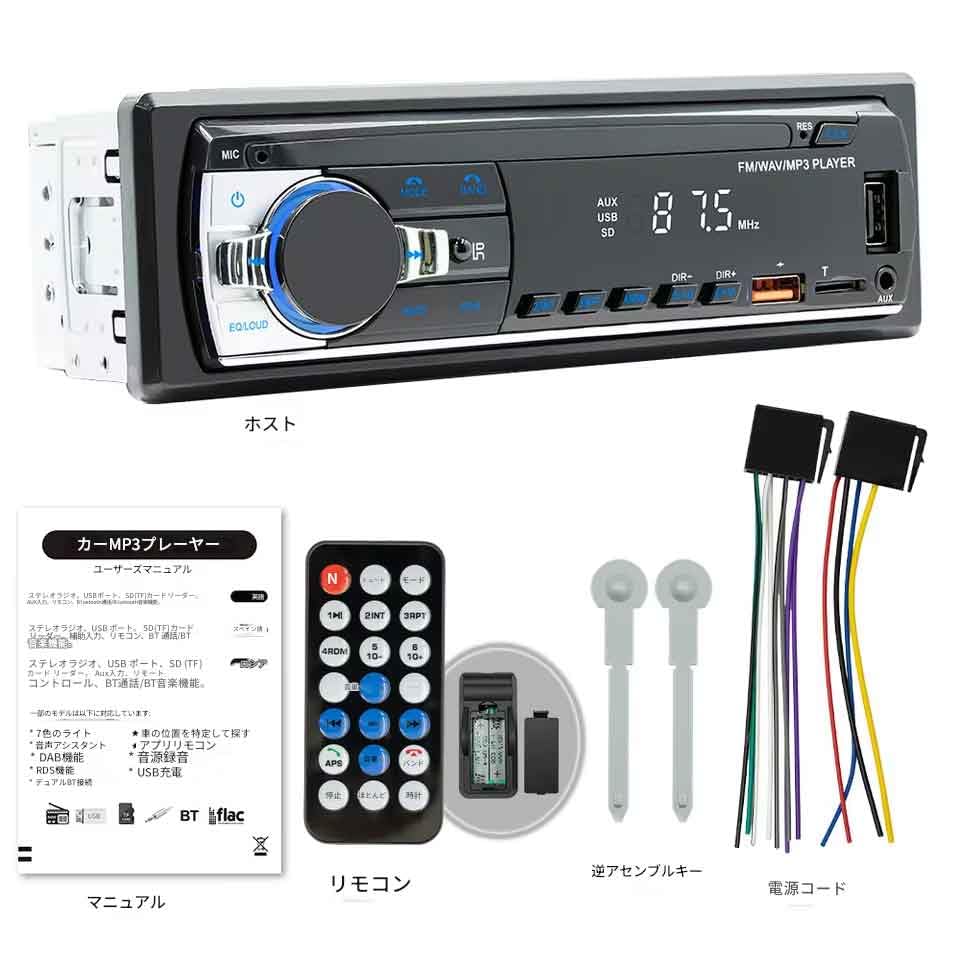
1. Main Unit 2. Power Cord 3. Remote Control 4. Instruction Manual (with QR Code) 5. Disassembly Key
Basic Functions:
1. Radio
2. Card Reader USB Flash Drive (Audio)
3. TO Function
4. Bluetooth Function
5. RCA Audio Output (Connectable to External Devices) Subwoofer
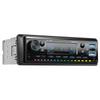
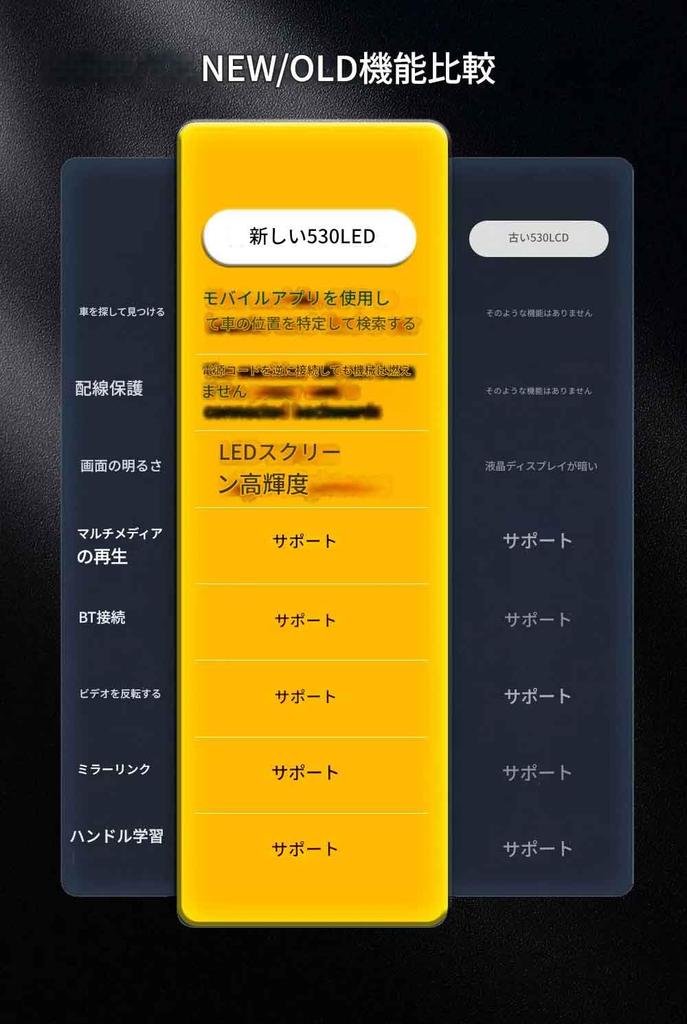
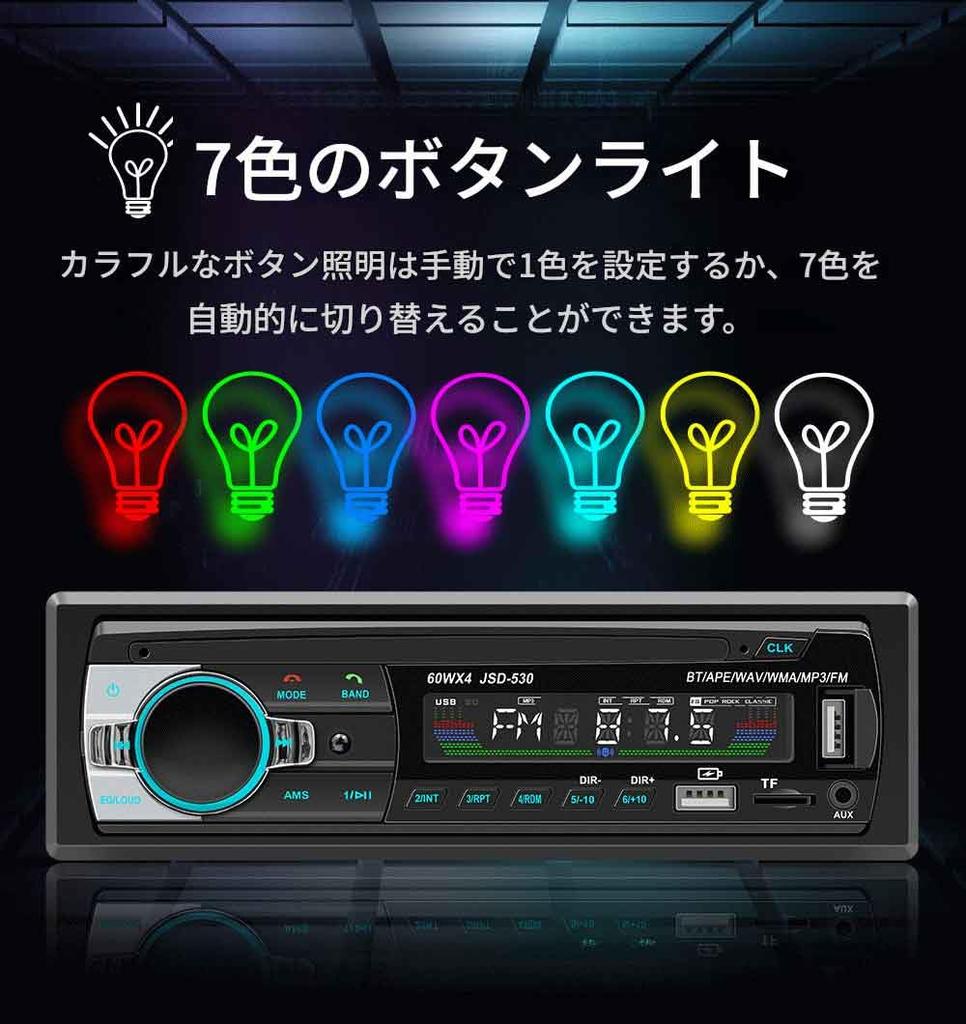
6. Colorful Lighting
7. Voice Assistant Function
8. Mobile App Function, Location and Vehicle Search Function
9. Audio Source Copy Function
10. Power Reverse Connection Protection Function
Q&A
Q: The power won't turn on, but the screen works normally?
A: Check that the power cable of the machine is connected correctly. The normal wiring method is as follows: The yellow wire (B+) is connected to the 12V cable which is always energized, and the red wire (ACC) is connected to the original car's key cable. Here's how to identify the key cable: The key cable is 12V when the car is started and 0V when it's closed. The black wire is connected to the negative terminal. Check that the fuses in the power outlet of the car and the machine are not blown.
Q: I can't hear any sound from the horn?
A: Check that the horn cable of the machine is connected correctly. The original car's horn should be connected strictly according to the interface definition in the owner's manual or on the vehicle's label. Otherwise, the power amplifier chip of the device may be damaged.
Q: I can't remember the last radio station or song I set.
A: Check that the red and yellow wires are not reversed. Make sure that the yellow wire (B+) is always connected to the original car's 12V cable, and the red wire (ACC) is connected to the original car's key cable. The key cable is 12V when the car is started and 0V when the door is closed.
Q: I can't read or play music or videos from SD cards or USB memory sticks.
A: Please use an 8GB or 16GB storage card or USB flash drive. Some high-capacity storage devices may not be supported. Please format the storage device and ensure the file system is set to default values. Partially encoded videos and music may not be recognized by this device. Please use media files in a common format.
Q: Are you experiencing Bluetooth connection failures or malfunctions in some functions after connecting?
A: Please search for this device's Bluetooth on your mobile phone. It is named "CAR BT" or "CAR KIT". Please remove any paired but unconnected devices. Some paired Bluetooth devices may prevent your mobile phone's Bluetooth from pairing with other devices or cause malfunctions.
Description Report Item - Digital Bluetooth MP3 Player: Enjoy your favorite songs with this digital Bluetooth MP3 player that lets you play music from your smartphone or other devices. * In-dash AUX input: The in-dash AUX input allows you to connect smartphones and other devices to the car audio system for a seamless listening experience. * 60W x 4-channel FM stereo: The 60W x 4-channel FM stereo provides a high-quality, immersive listening experience. * USB/SD input: The USB/SD input allows you to play music from various sources such as USB drives and SD cards. Description Product Report DIN: DIN Voltage: 12V Product Weight: 0.33kg Country of Origin: China Model Number: JSD-530 Software Solution: 1900 Radio Frequency: FM 87.5~108MHz
Wireless IC: Chip Integration Power Amplifier IC: TDA1028 Output: 45W×4 Operating Temperature Range: -10~60℃ Bluetooth Version: Version 5.0 Screen Size: Mobile Internet: App Connection Accessories: 1. Main Unit 2. Power Cord 3. Remote Control 4. Instruction Manual (with QR Code) 5. Disassembly Key Basic Functions: 1. Radio 2. Card Reader USB Flash Drive (Audio) 3. TO Function 4. Bluetooth Function 5. RCA Audio Output (Connectable to External Devices) Subwoofer 6. Colorful Lighting 7. Voice Assistant Function 8. Mobile App Function, Location and Vehicle Search Function 9. Audio Source Copy Function 10. Power Reverse Connection Protection Function
Q&A Q: Q: The power won't turn on, but the screen works normally?
Q: Check that the machine's power cable is connected correctly. The usual wiring method is as follows: The yellow wire (B+) should be connected to the 12V cable, which is always powered, and the red wire (ACC) should be connected to the original car's key cable. Here's how to identify the key cable: The key cable is 12V when the car is started and 0V when the doors are closed. The black wire should be connected to the negative terminal. Check that the fuses in the car's and machine's power outlets are not blown.
Q: I can't hear any sound from the horn?
Q: Check that the machine's horn cable is connected correctly. The original car's horn should be connected strictly according to the interface definition in the owner's manual or on the vehicle's label. Otherwise, the device's power amplifier chip may be damaged.
Q: I can't remember the last radio station or song I set.
Q: Check that the red and yellow wires are not reversed. Ensure that the yellow wire (B+) is always connected to the original car's 12V cable, and the red wire (ACC) is connected to the original car's key cable. The key cable is 12V when the car is started and 0V when the doors are closed. Q: I can't read or play music or videos from SD cards or USB memory sticks. A: Please use an 8GB or 16GB storage card or USB flash drive. Some high-capacity storage devices may not be supported. Format your storage device and ensure the file system is set to its default value. Partially encoded videos and music may not be recognized by this device. Please use media files in a common format. Q: I'm experiencing Bluetooth connection failures, or some functions are malfunctioning after connecting. A: Please search for this device's Bluetooth on your mobile phone. It's named "CAR BT" or "CAR KIT". Please remove any paired but unconnected devices. Some paired Bluetooth devices may prevent your mobile phone's Bluetooth from pairing with other devices, or may cause malfunctions.



 Reembolso por falta de entrega