---------------------------------------------------
【Voltage Compatibility】
Our products are selected to support international voltage ranges (e.g. 100–240V).
However, please make sure your local voltage is compatible before use, as incorrect voltage may still cause malfunction.
【Plug Type】
Our products use Japanese plug types (A or B type).
Please use a conversion adapter if necessary.
【Important Note on Transformers and Adapters】
A transformer adjusts voltage to match your device’s requirements.
A conversion adapter only changes the plug shape and does not adjust voltage.
Using only a conversion adapter without a transformer may result in damage to the product.
【Liability】
We are not responsible for malfunctions or damages caused by improper use, such as operating the product without appropriate voltage or equipment.
---------------------------------------------------
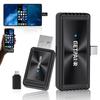
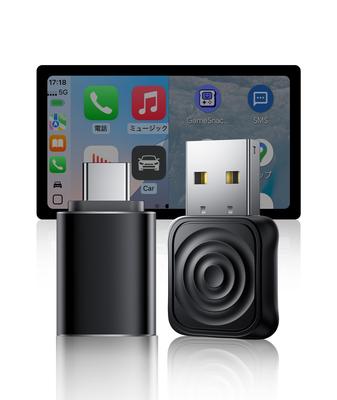
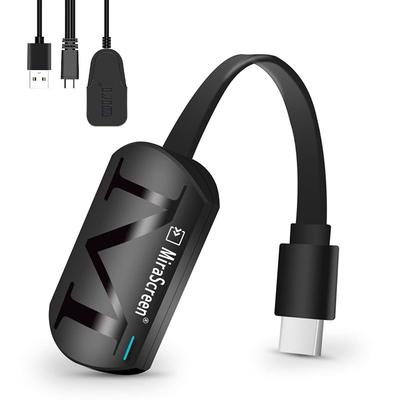
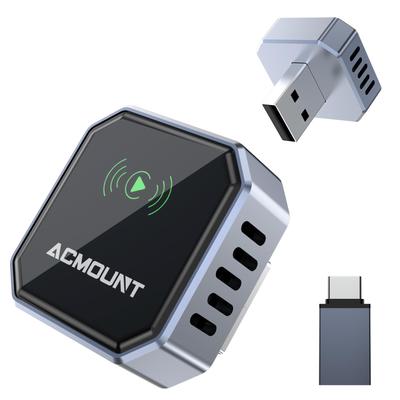
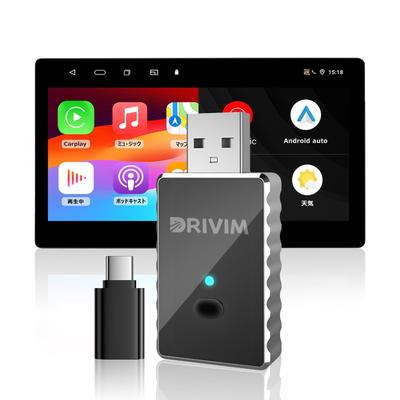
"Wireless Mirroring | No Wi-Fi or Bluetooth Required! Easy Connection" Simply insert the transmitter adapter into your smartphone and the receiver adapter into your car navigation system. No Wi-Fi or Bluetooth setup is required. You can display your smartphone's image directly on your car navigation system, allowing you to stream the latest car navigation apps, YouTube, Netflix, Disney Plus, Hulu, and more. Wireless mirroring is supported for both iPhones and Android smartphones. Please refer to the product page images for compatible smartphone models. *Note: While mirroring is possible with iPhones even when the screen is off, Android smartphones must be used with the screen on.
"Compatibility Requirements" iPhone: Compatible with iPhone 15 and later. Android: Limited to models that support DisplayPort (DP Alt Mode) video output. Please be sure to check your model's compatibility before purchasing (video output is not possible on Android devices that do not support DP). *Note: iPhone mirroring is possible even with the screen off, but Android smartphones must be used with the screen on. In addition, the vehicle's navigation system must support wired CarPlay.
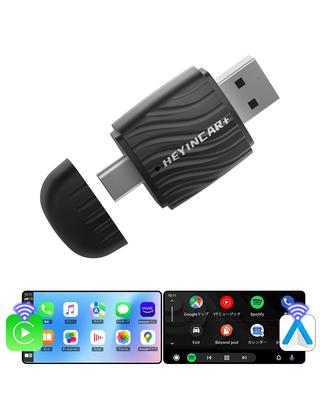
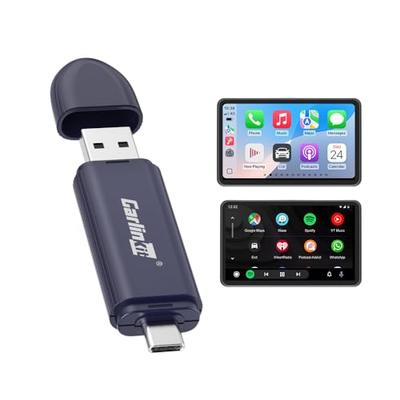
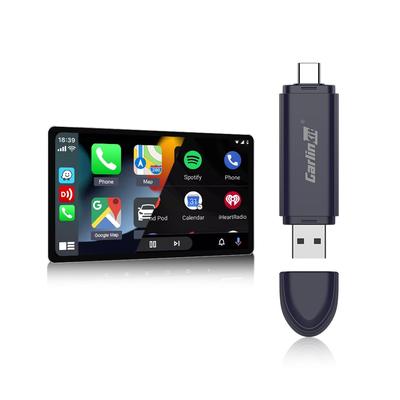
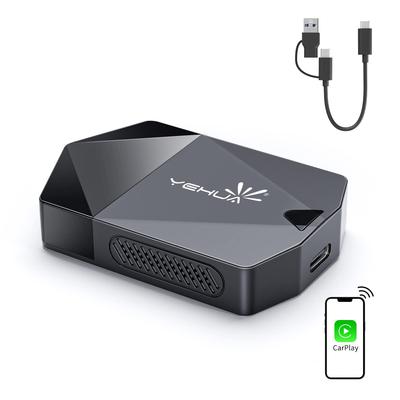
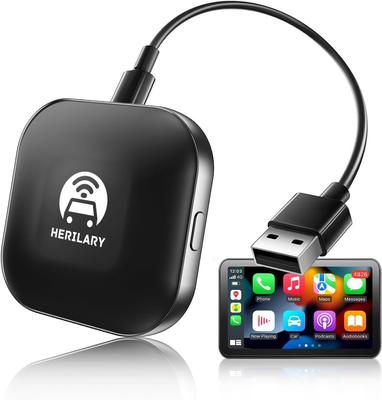
"Turn wired CarPlay into wireless." Simply insert the receiver adapter into your car navigation system's communication port and connect the product's Bluetooth on your iPhone's Bluetooth screen for easy wireless connection. After the initial setup, the connection will automatically connect the next time you start the engine. Supports Siri voice control, navigation, calls, music playback, and steering wheel button operation, allowing you to use wired CarPlay functions wirelessly. Note: 1. This product is not compatible with wireless Android Auto. 2. Wireless CarPlay does not require the transmitter adapter to be inserted.
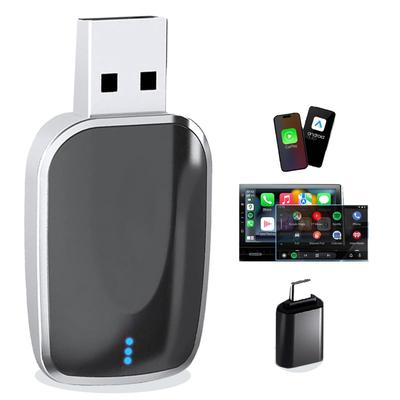
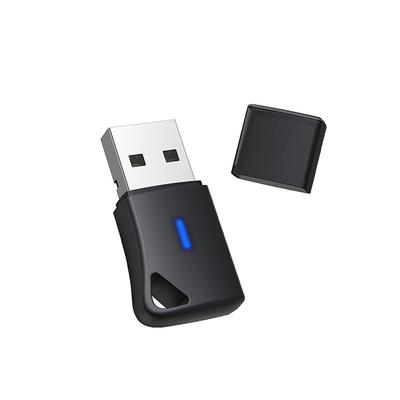
"Compact Design | Easy to Carry & Flexible Installation" GetPairr Mirror Cast's ultra-lightweight and compact design fits in the palm of your hand, eliminating the need for clutter in your car's wiring. It comes with a transmitter and receiver adapter, and its USB-C connection makes it easy to use. No complicated wiring or dedicated apps are required; simply plug it into your car navigation system's USB port. Easily share your smartphone screen on a large screen in any situation, whether you're driving, traveling, commuting to work, or going to school.
Switch functions with a single button and use two smartphones simultaneously with this 2-in-1 wireless adapter, featuring both Wireless CarPlay and Mirror Cast. Easily switch between the two functions with the push of a button on your car navigation system. Plus, you can use two different smartphones simultaneously! For example, connect your iPhone to Bluetooth in the driver's seat and use Wireless CarPlay to control the navigation system, while in the passenger seat, connect another smartphone (iPhone/Android) to the Mirror Cast adapter and project the image onto the car's screen. Enjoy a new in-car experience that not only lets you navigate but also enjoy entertainment.
[1-Year Warranty] Getpair comes with a one-year warranty from the date of purchase. If you have any problems, we will provide a product exchange or refund. Please contact us via our official LINE account (@getpairr).
Please note: 1. Due to the compact design of this product and its built-in heat dissipation slits (vents), the housing may feel warm (or even hot under certain conditions) during use. This is a design characteristic, and the product passed high-temperature and continuous operation tests before shipping. Please use with confidence. 2. This product is not compatible with Lexus vehicle navigation screens. Because the Lexus genuine display audio does not support touch operation, the touch operations required to select CarPlay or Mirror mode on this product are not available. Therefore, please note that this product cannot be used with Lexus vehicles.
Wireless Mirroring Adapter