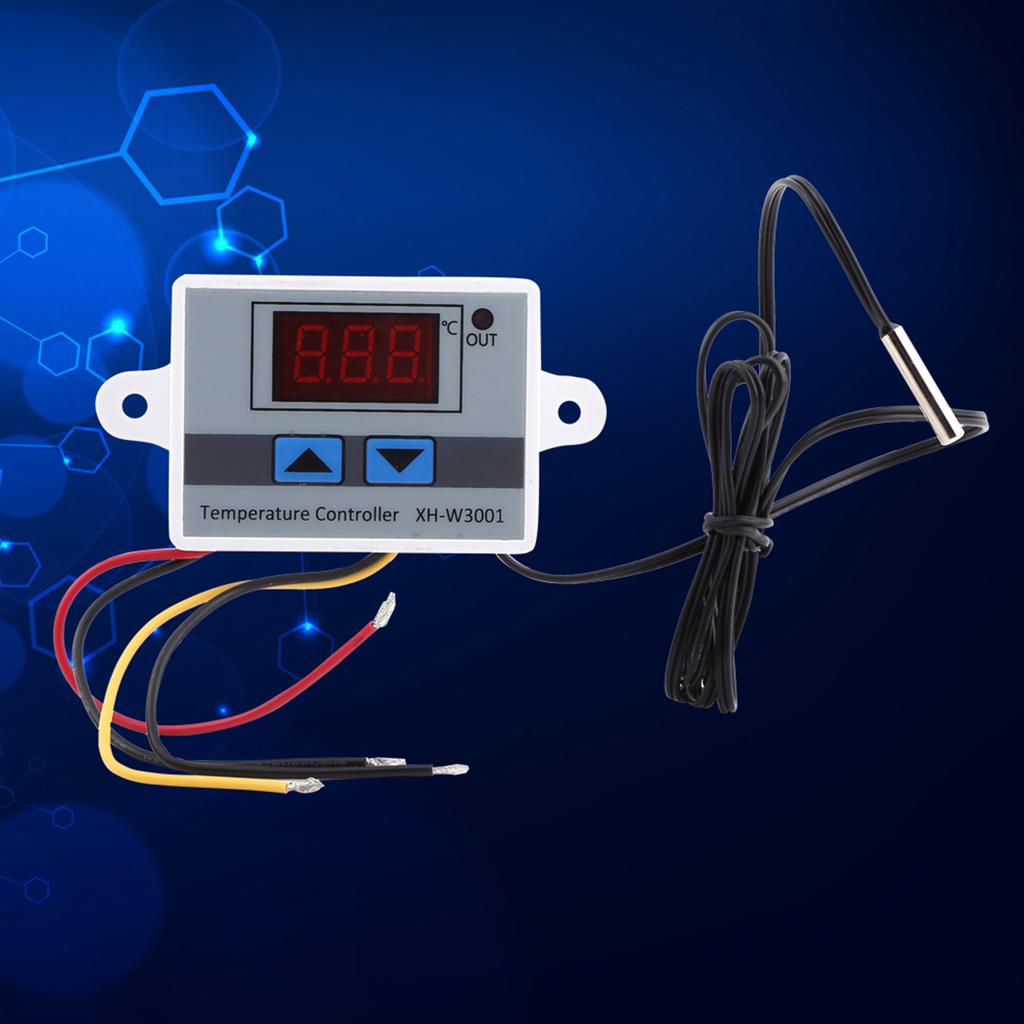
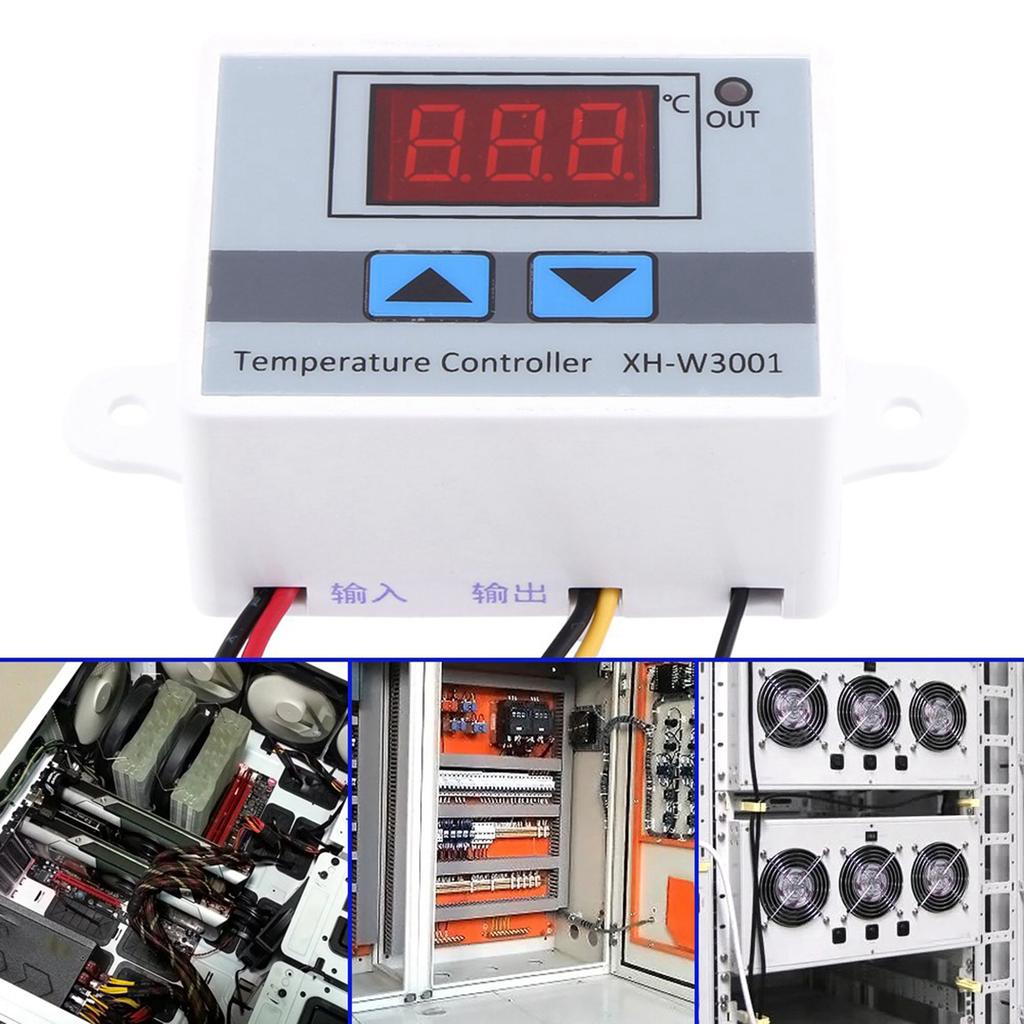
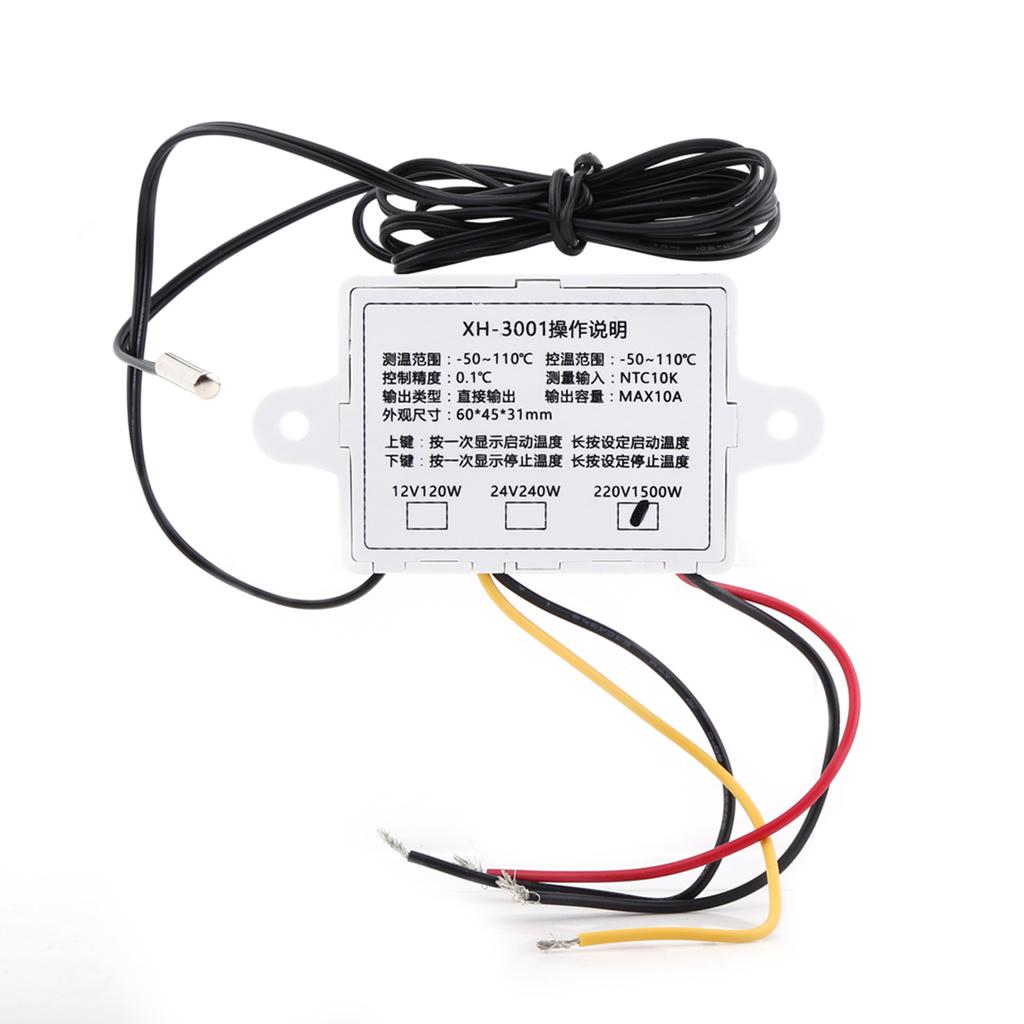
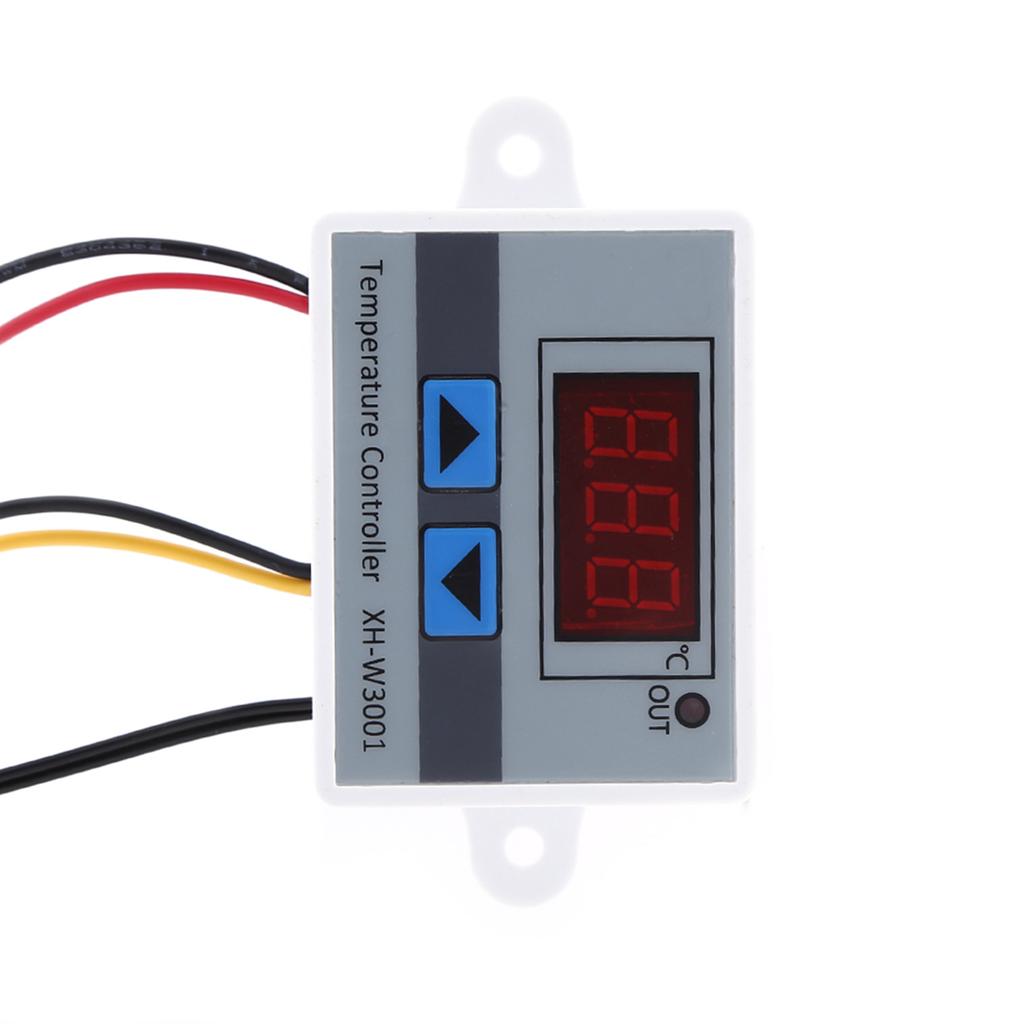
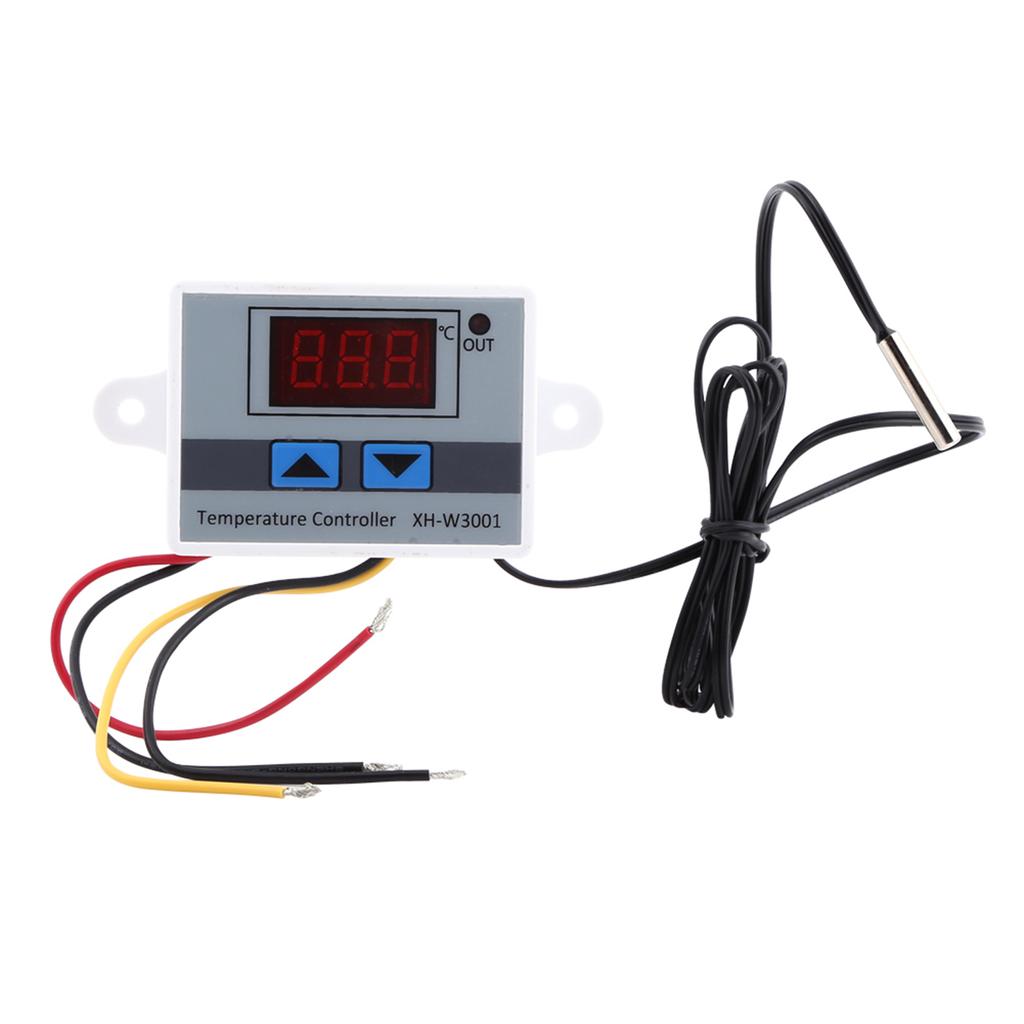
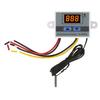
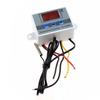
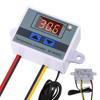
Description:Temperature measuring range: -50 ~ 110 ℃
Temperature control range: -50 ~ 110 ℃
Temperature measurement accuracy: ±0.2℃
Temperature control accuracy: ±0.1℃
Input measurement: NTC10K probe, waterproof, cable length =1m
Input power: 12VDC/24VDC/110-220VAC
Output power: 12VDC/24VDC/110-220VAC
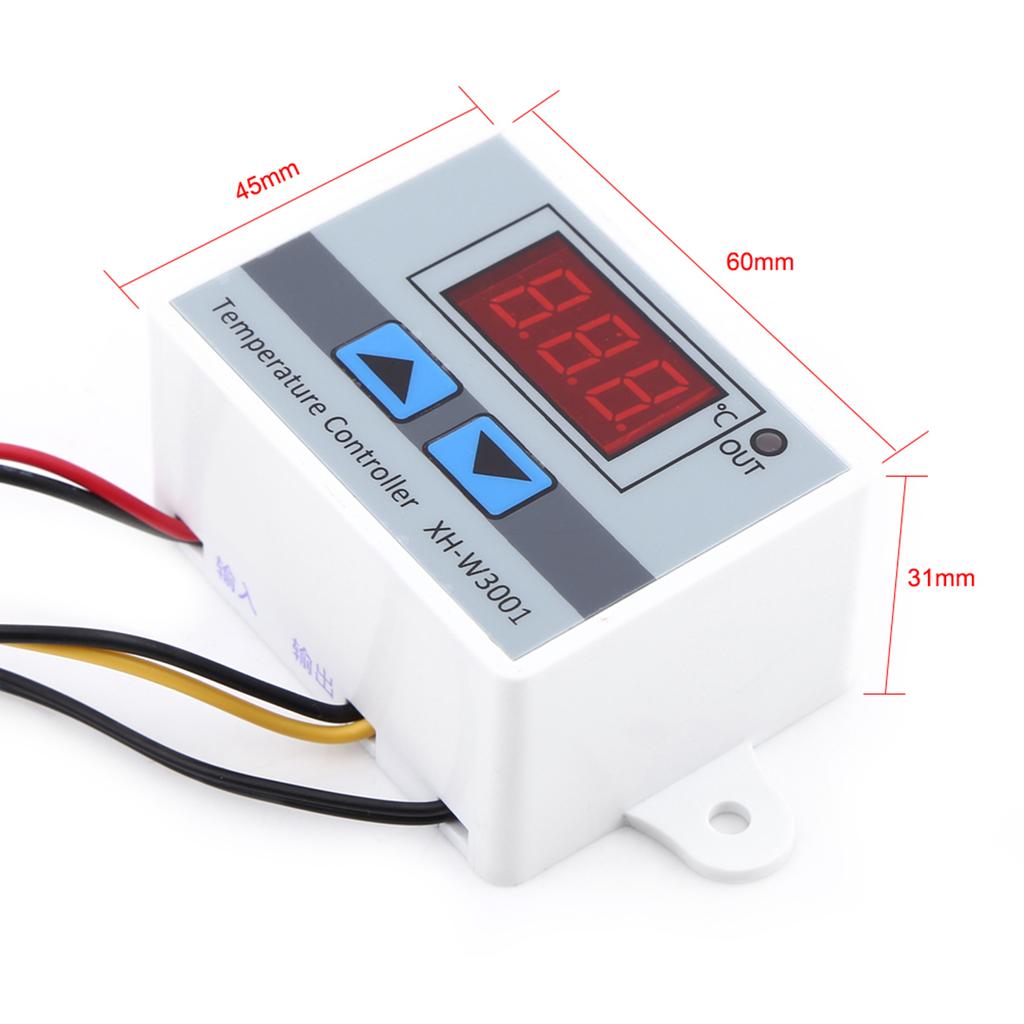
Dimension: 60 * 45 * 31 mm
Product Advantages:
A. Clearly displayed birght digital reading. Can be clearly read whether in day or at night.
B. Sensor probe is connected via 2P terminal, and can be replaced. If need to use other probe, can be replaced easily.
C. Material of shell is ABS. Looks beautiful; With 1.8mm thick; High mechanical strength.
D. Wide temperature control range of -50~110℃, can be used in various fields. The temperature control accuracy is ±0.1℃
E. Convenient to be used in various industrial equipment with input & output wires. Standard cable of 20A/300V rating, safe and reliable.
1. XH-3001 Temperature ControllerItem Number XG-W3001 Temperature Range -50℃~110℃ Supply Voltage 12VDC/24VDC/110-220VAC Control Range -50℃~110℃ Load Power 120W/240W/1500W Measurement Temperature Accuracy ±0.2℃ Measurement Input NTC10K Whaterproof Probe (1m) Temperature Control Accuracy ±0.1℃ Output Type Direct Output Output Capacity 10A Max. Mounting Pitch 73mm (4mm aperture) Dimension 60x45x31mm How to Set XH-W3001
① Detecting Temperature② UP Button③ Output Indicator④ Down Button⑤ Item No. A. Set The Starting Temperature:
Press the UP button once to show the starting temperature;
Long push the UP button more than 3 seconds until the reading flashing, then push the UP or Down button to set the Starting Temperature Value.
B. Set Stop Temperature:
Press the Down button once to show the stop temperature;
Long push the Down button more than 3 seconds until the reading flashing, then push the UP or Down button to set the Stop Temperature Value.
C. Reset:
When the power is on, long press the UP and Down button at the same time. The reading shows 888, and then the controller automatically jumps to the detection temperature. 2. XH-W3002 Microcomputer Temperature ControllerItem Number XG-W3002 Temperature Range -50℃~110℃ Supply Voltage 12VDC/24VDC/110-220VAC Control Range -50℃~110℃ Load Power 120W/240W/1500W Measurement Temperature Accuracy ±0.2℃ Measurement Input NTC10K Whaterproof Probe (1m) Temperature Control Accuracy ±0.1℃ Output Type Direct Output Output Capacity 10A Max. Mounting Pitch 73mm (4mm aperture) Dimension 60x45x31mm How to Set XH-W3002
① Detecting Temperature② Set Button③ UP Indicator④ Output Indicator⑤ Down Button⑥ Item No. P0 Set The Starting Temperature:
Press Set Button go to the manual, choose P0;
Press the set button again, then press the UP and Down Button to set the starting temperature.
P1 Set Stop Temperature:
Press Set Button go to the manual, then press the UP and Down button to choose P1;
Press the set button again, then press the UP and Down Button to set the stop temperature.
P2 Set Temperature Correction
Press Set Button go to the manual, then press the UP and Down button to choose P2;
Press the set button again, then press the UP and Down Button to set the temperature correction;
P3 Set Delay Start
Press Set Button go to the manual, then press the UP and Down button to choose P3;
Press the set button again, then press the UP and Down Button to set the delayed start time ( Unit: Minute)
Reset:
When the power is on, long press the UP and Down button at the same time. The reading shows 888, and then the controller automatically jumps to the detection temperature.
If shows "LLL", please help check the probe is workable, or you may change the probe;
If shows " HHH", please help to check if the measurement temperature is over the rang of -50~110℃Wiring WayNote:
1. 12V/24VDC W3001 can the transformer or 12V/24V DC Power Supply
2. W3001 and W3002 are Direct Output: The output and input voltage are synchronized. When the temperature controller is working ( the indicator light is on), the output voltage is same as input voltage; When the temperature controller is off (the indicator light is off), the output will do not have voltageOperation MethodHeating ModeStart temperature < Stop temperatureProgram automatically determines the working mode is heading mode Cooling ModeStart temperature > Stop temperatureProgram automatically determines the working mode is cooling mode Details
Snap-on back cover
4mm in diameter waterproof probe