---------------------------------------------------
【Condition】
Please check the product description and photos for the condition.
Some items may have not been tested or may show signs of use.
【Included Items】
Accessories are limited to those shown or mentioned in the product description.
Items such as manuals, boxes, or cables are not included unless specifically stated.
【Product Specifications and Firmware】
Some Japanese domestic models may have limited functionality overseas.
Please check compatibility before purchase.
【Voltage Compatibility】
Our products are selected to support international voltage ranges (e.g. 100–240V).
However, please make sure your local voltage is compatible before use, as incorrect voltage may still cause malfunction.
【Plug Type】
Our products use Japanese plug types (A or B type).
Please use a conversion adapter if necessary.
【Important Note on Transformers and Adapters】
A transformer adjusts voltage to match your device’s requirements.
A conversion adapter only changes the plug shape and does not adjust voltage.
Using only a conversion adapter without a transformer may result in damage to the product.
【Liability】
We are not responsible for malfunctions or damages caused by improper use, such as operating the product without appropriate voltage or equipment.
---------------------------------------------------
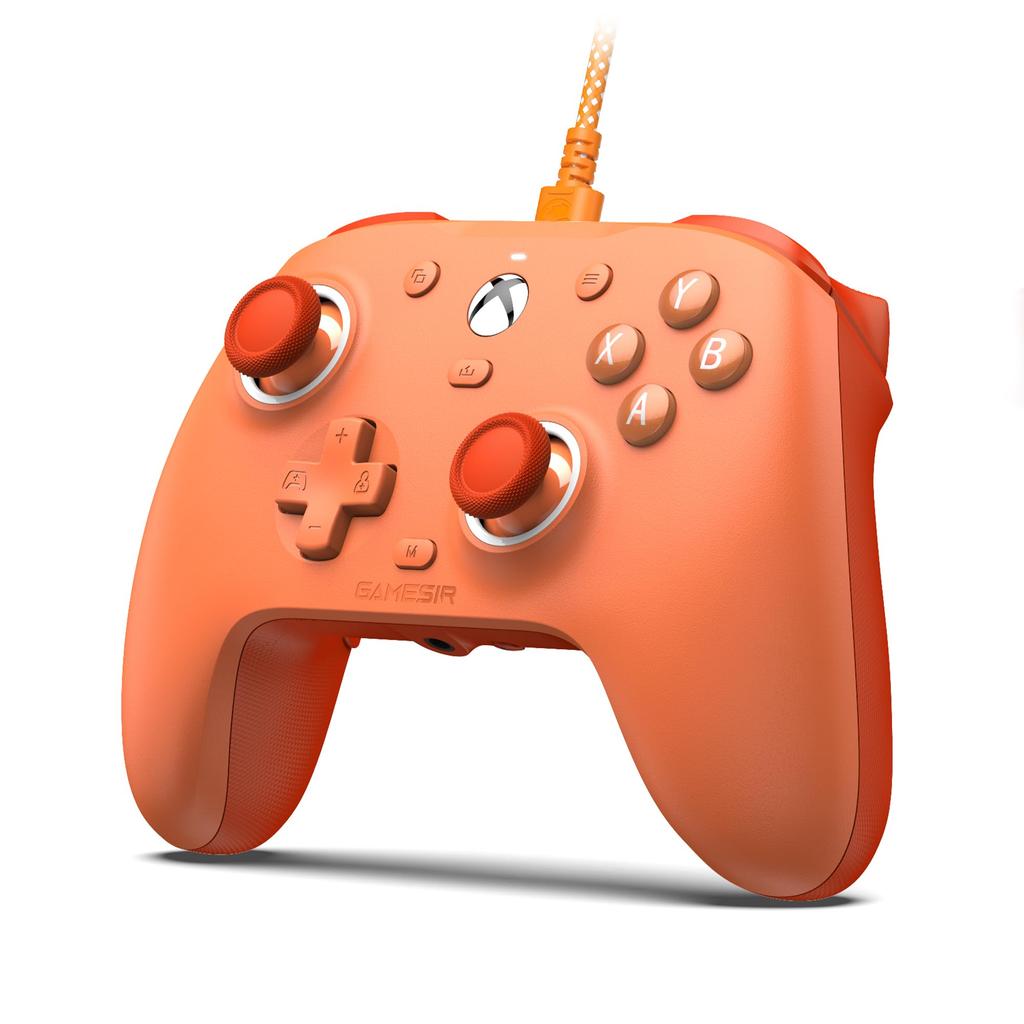
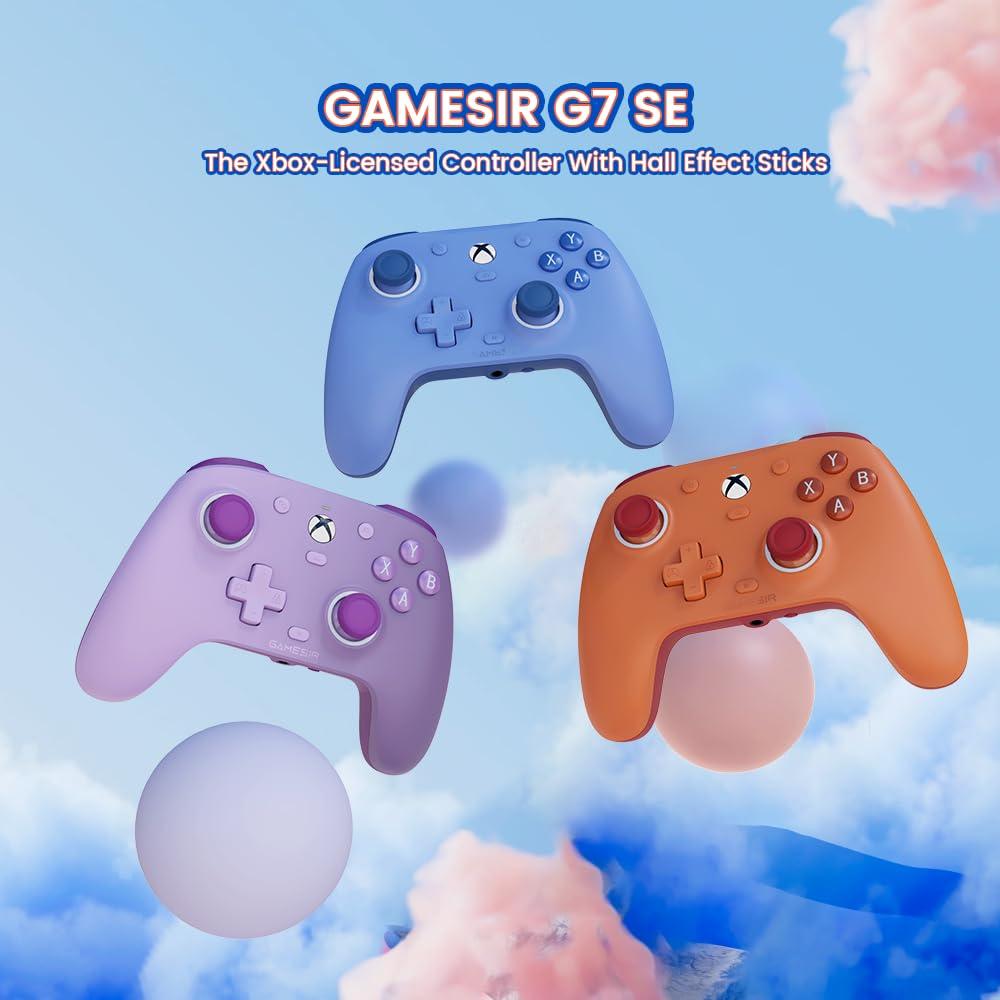
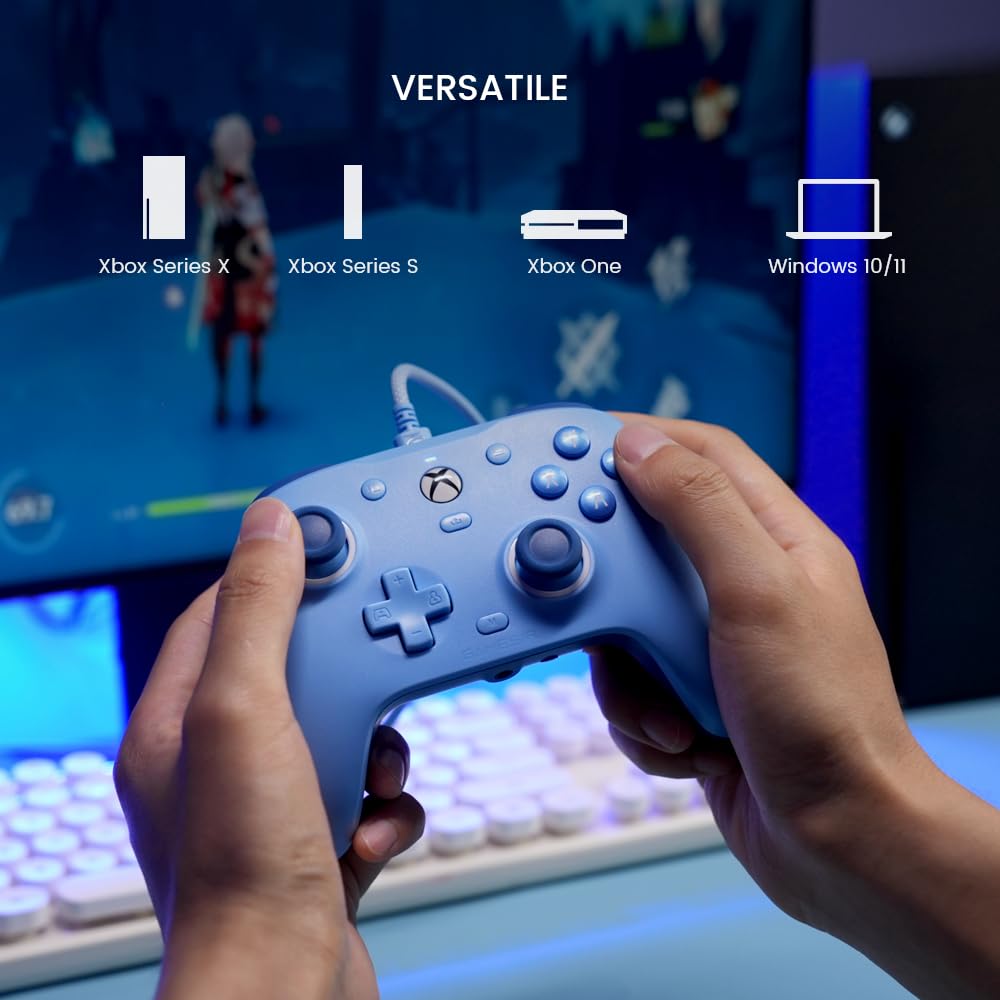
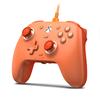
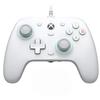
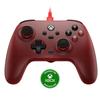
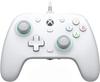
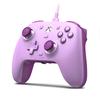
Xbox License - Compatible with Xbox Series X|S, Xbox One, and Windows 10/11 platforms, the GameSir G7 SE delivers the smoothest and most ultimate gaming experience with minimal lag and no issues. Purchasers receive a one-month free trial of Xbox Game Pass Ultimate. Note: Only available to new members.
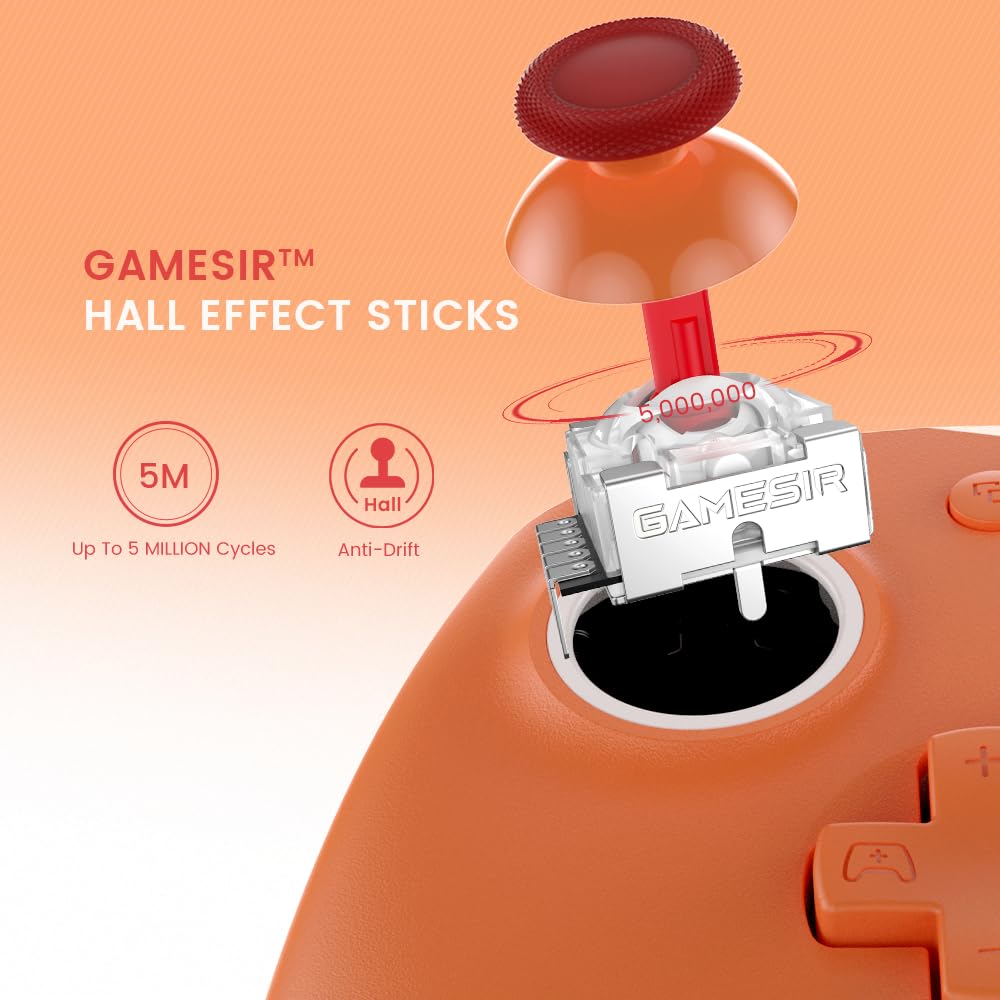
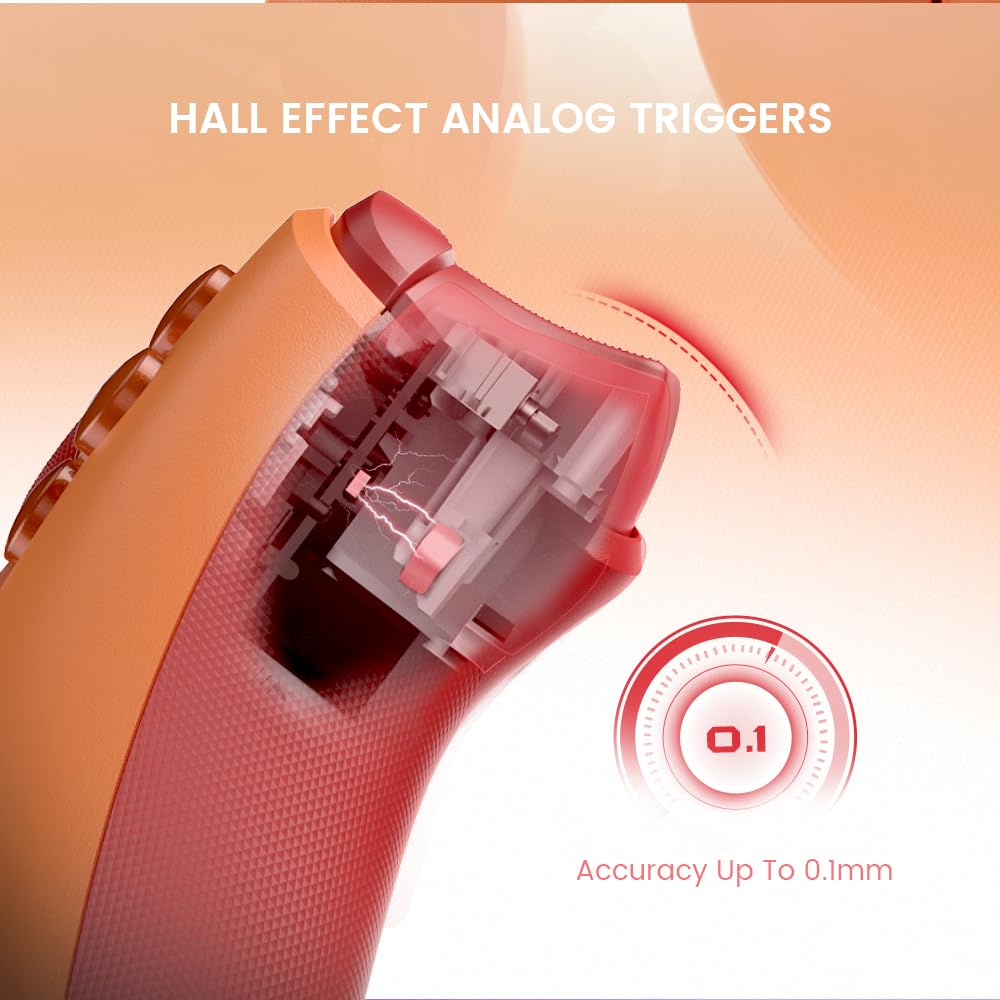
Hall Effect Sensors - The G7 SE's joysticks and triggers feature Hall Effect sensors to eliminate stick wear and drift, ensuring reliable and durable performance for Xbox and PC gaming.
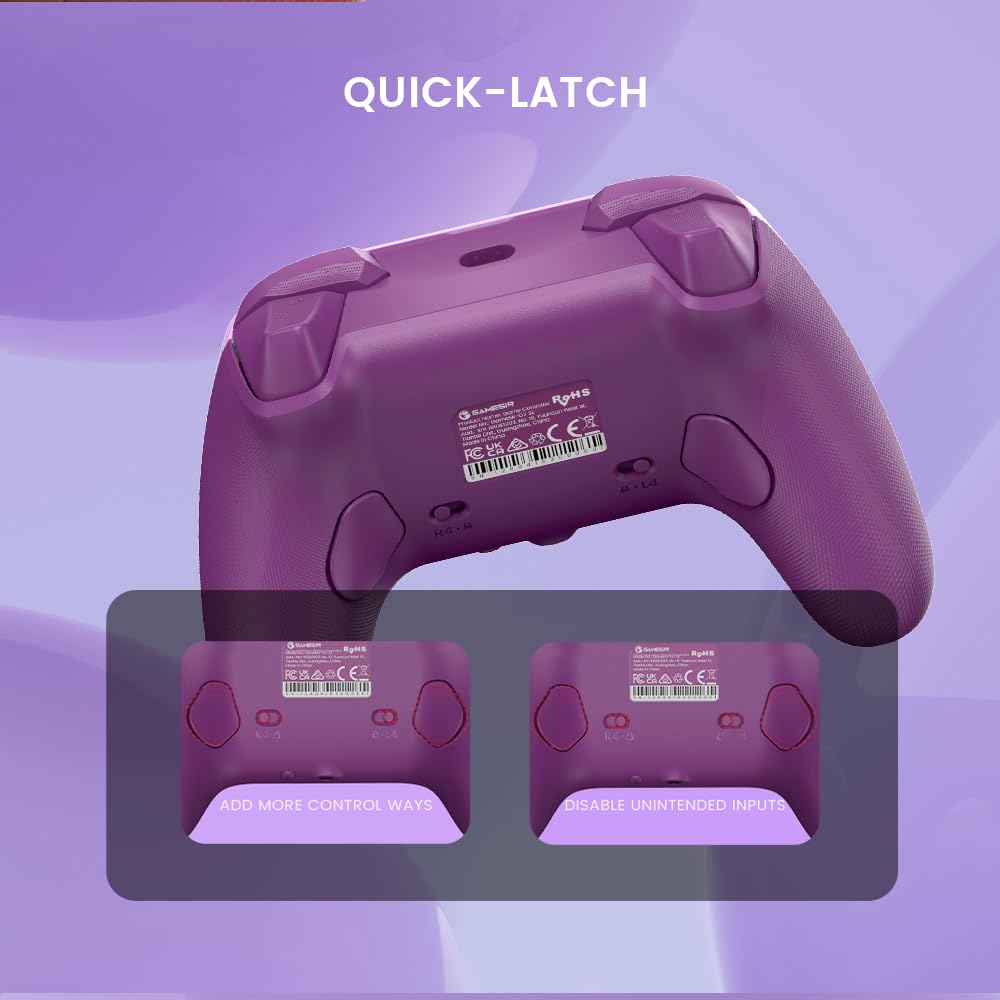
Quick-Latch Rear Buttons - The G7 SE features a quick-latch design, allowing you to easily enable or disable the two rear buttons. The buttons also feature a built-in anti-accident switch. Enjoy a more natural play style across a variety of games. [No macro functions]
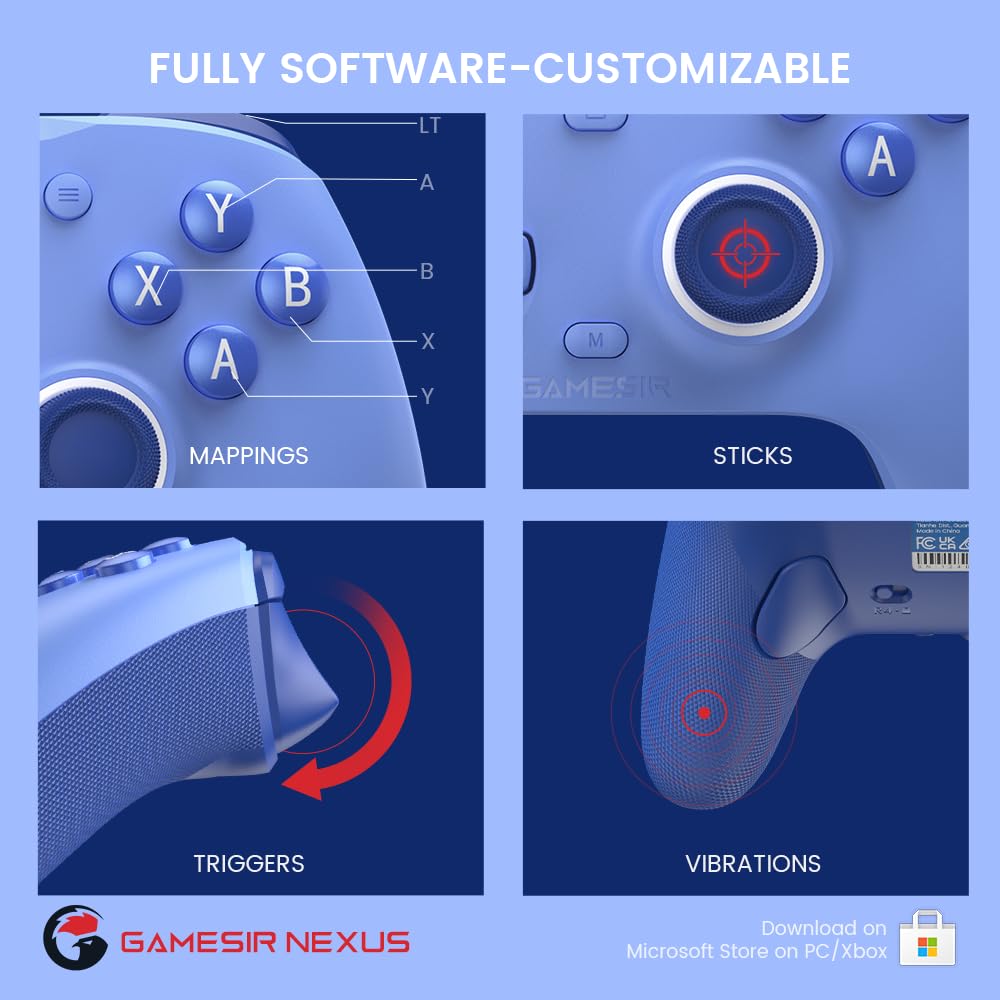
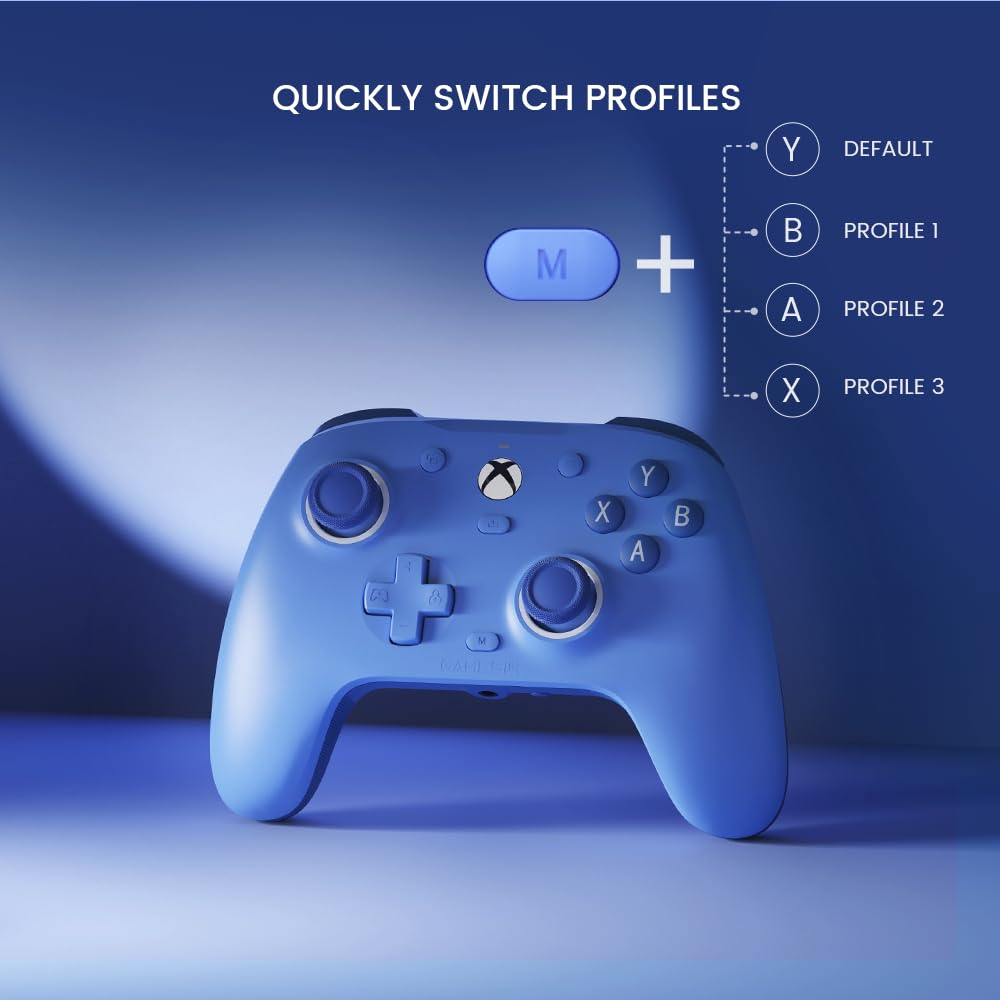
Fully Customizable with GameSirNexus App - GameSir Nexus software allows you to fully customize your gaming experience. Save up to three configuration profiles, including button mapping, D-pad diagonal adjustment, stick and trigger zone adjustment, and vibration settings. Instantly switch between saved profiles with the M+A/B/X/Y buttons.
Magnetic Interchangeable Faceplates - Detachable, paint-friendly faceplates allow you to paint and customize your G7 SE Xbox Controller to your liking without having to disassemble the controller.
The product comes with a one-year warranty from the date of purchase. If you experience any problems or initial defects during use, please feel free to contact our customer service by email and we will do our best to resolve the issue.
Q: The back button is probably incompatible with this PC and doesn't respond at all. A: 1. Button remapping: You can remap the back button using the GameSir Nexus software. Click the L4/R4 button in the software's mapping interface and select the button you want to map. 2. Mapping without using the software: To set the R4/L4 button value, press and hold M+R4/L4 buttons simultaneously for 3 seconds. When the indicator flashes slowly, tap the button you want to map to R4/L4. When the indicator lights up, it indicates that the R4/L4 button value has been set. To cancel the R4/L4 button value, press and hold M+R4/L4 buttons simultaneously for 3 seconds. When the indicator flashes slowly, tap the R4/L4 button. When the indicator lights up, it indicates that the R4/L4 button value has been canceled.
Q: Some buttons are unresponsive A: If some buttons on your G7SE controller are unresponsive, please try the following steps: 1. Update firmware: Please use GameSir Nexus software to upgrade your G7SE firmware to the latest version v6.40. If the software does not show the latest version, please download the manual upgrader from the link below: Manual Upgrader Link 2. Reset buttons: Please press and hold the Xbox button and Menu button for 5 seconds to reset their functions, or use M+Y combo to apply the default profile.
The vibration of the rotor motors on both sides can be adjusted using the GameSir software. Q: What if the power won't turn on and I can't operate it? A: 1. Reinstall the driver in Device Manager: Uninstall the driver in Device Manager and scan for hardware changes. 2. Reset PID recognition: With the controller connected, press and hold the Home + M buttons for 3 seconds (you should hear the indicator sound). Then reconnect the controller, switch to the original PID, and restore device recognition.